
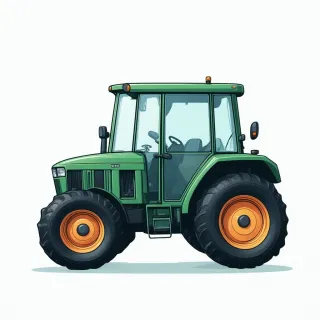



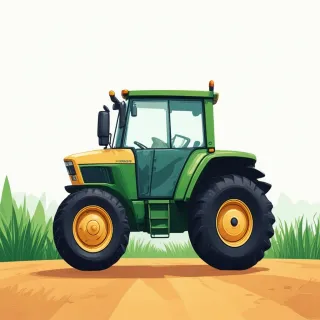


When you stick a “for sale” sign on a tractor parked by the road, the only thing most drivers see is a phone number. A tractor for sale qr code changes that instantly. The QRDrobe Vehicle Info template gives you a one-page digital card where every detail a buyer needs lives behind a single, scannable square. Start with the Heading field: make it the make and model, like “John Deere 5075E” — that’s the headline that stops a scroll. Right beneath it, the Subheading is your price. Be direct: “$31,500 or best offer.” These two fields alone tell a passerby at the field gate whether it’s worth pulling out their phone.
Next comes Mileage (mi/km). Tractors don’t clock miles like a truck, so use this field for engine hours. A buyer will want to know if you’re at 1,200 hours or 8,500; just type the number and put “hrs” after it in the same box. Then fill in Body Style to clarify the tractor type: are you selling a row crop tractor, a compact utility, an orchard narrow-frame, or a high-clearance specialty machine? That one word helps filter serious buyers from window shoppers. The VIN field holds the serial number or product identification number — every tractor has one, and sharing it lets a buyer pull maintenance records or check for liens before they even call you.
Mechanical specs seal the deal, and the template gives you dedicated spots for them. In Engine, add the model or series (e.g., “John Deere 3029T 3-cylinder turbo”). Fuel Type is a quick pick: diesel, gasoline, or maybe LP gas. Transmission can be a simple word — hydrostatic, sync shuttle, partial powershift, IVT — but that word tells a farmer whether the tractor fits their work. If you’ve got a loader or backhoe attached, mention it in the Description field later; these spec boxes keep the core drivetrain facts clean and scannable.
Now, make it easy to reach you. The Phone field puts a tap-to-call button right on the screen. Use a cell number so a buyer can text you from the cab of their truck. The Email field is perfect for someone who wants to send a formal inquiry or request more photos. Address can be the farm or lot where the tractor sits, and the Website field can link to a dealer page, a Craigslist ad, or your farm’s Facebook profile — anything that builds trust. You’re not asking them to hunt down your listing; you’re handing them a packet.
Finally, the Description field is where you tell the story. Don’t just write “good tractor.” Say what it’s done, what comes with it, and why you’re selling: “Used mainly for haying, 3,200 hours, new rear tires last fall, includes 85-inch bucket and pallet forks. Selling because we’re moving up to a larger frame.” Upload a handful of clear shots to the Vehicle Photos gallery — front, rear, hour meter, seat wear, and that dusty “for sale” sign itself. Now when someone scans your tractor for sale qr code, they walk away with a full digital showroom in their pocket, and you update it anytime without reprinting a single tag.