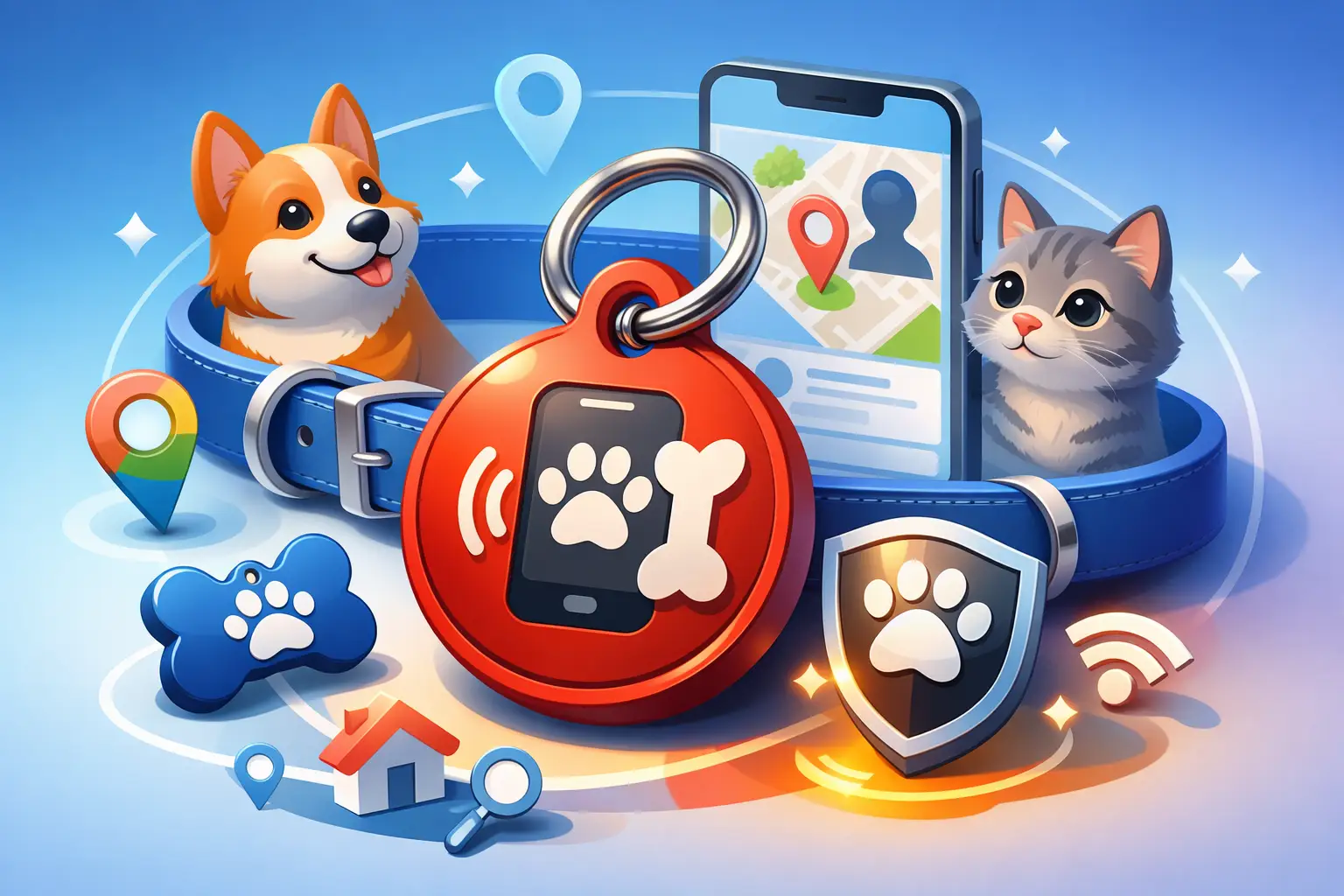
Pet ID QR Code Tag: Smarter Pet Safety
Input
The problem with a traditional pet tag shows up the moment something changes. Your phone number gets updated, your pet starts a new medication, or a neighbor becomes the best backup contact while you travel. A pet id qr code tag solves that weak spot by turning a small collar tag into a fast, scannable way to share current information when it matters most.
That sounds simple because it is. Someone finds your dog or cat, scans the code with a phone, and sees the details you want them to have right away. No app required on their side, no guessing, and no need to squeeze critical information onto a tiny piece of metal. For pet owners, shelters, walkers, and sitters, that extra flexibility can make the difference between a quick reunion and a long, stressful delay.
What a pet id qr code tag actually does
A QR tag connects the physical tag on your pet's collar to a digital page. Instead of being limited to a name and one phone number, you can share multiple ways to reach you, basic pet identification, and helpful care notes.
That matters because the person who finds your pet may not be in a perfect situation. They may be on a busy street, at a park, or outside an apartment building trying to help quickly. The easier you make it for them to identify your pet and contact you, the better.
A good pet page usually includes your pet's name, a recent photo, your primary phone number, a secondary contact, and any urgent care information that should be seen immediately. Depending on the situation, you may also want to add your pet's temperament, veterinarian details, feeding instructions, or a note that your pet is microchipped.
Why more owners are choosing a pet id qr code tag
The biggest advantage is editability. Printed tags are static. If your information changes, the tag is suddenly outdated. With a digital destination behind the code, you can update the information without replacing the physical tag every time life shifts.
That flexibility is useful for everyday pet owners, but it also fits professional and operational needs. Rescue groups, boarding facilities, trainers, and foster networks often manage pets whose contact chains or care instructions change. A QR-based setup is faster to maintain than reordering tags for every update.
There is also a space advantage. A standard tag can only hold so much text before it becomes hard to read. A QR code removes that limit. You keep the collar tag compact while making room for richer details that are easier for the finder to access.
Another practical benefit is speed. A person with a smartphone can scan and get clear next steps immediately. If your page is set up well, they can tap to call or message without retyping anything. Less friction means a better chance of fast action.
What to include on a pet id qr code tag page
The best setup is not the one with the most information. It is the one that gives a helpful stranger exactly what they need in the first few seconds.
Start with the basics. Your pet's name and photo should appear near the top. Photos help confirm that the pet they found matches the page, especially if the collar is loose, borrowed, or switched.
Next, add contact details that work in real life. One phone number is fine, but two is better if you are often unavailable during work hours. A backup contact can save time if the primary owner misses calls.
Then add time-sensitive care notes. If your pet needs medication, has a medical condition, or should not be approached too quickly, say so in plain language. This is not the place for a long biography. Keep it short and actionable.
You can also add supporting details such as your pet's breed or mix, color, age, whether they are spayed or neutered, and whether they are microchipped. If your pet is friendly but anxious, mention that too. Small details can help a finder respond appropriately.
Pet ID QR code tag vs. a traditional engraved tag
This is not really an either-or decision. In many cases, the best option is both.
A traditional engraved tag still works when someone does not think to scan or when a phone battery is dead. It is familiar and immediate. On the other hand, a QR tag gives you room, flexibility, and easier updates. Used together, they cover more scenarios.
If you prefer a minimal setup, include at least your pet's name and one direct phone number on the physical tag, then use the QR code for expanded details. That way, the tag remains useful even without a scan.
The main trade-off is dependence on a smartphone and internet access. Most people have both, but not every situation is ideal. That is why redundancy matters. A QR-based tag is strongest when it supports, rather than replaces, core identification methods.
How to set up a pet id qr code tag well
The setup should take minutes, not an afternoon. Create a dedicated pet information page, generate the QR code, test it, and place it on a durable tag that can handle everyday wear.
Focus on readability first. The code needs enough contrast to scan easily, and the printed size needs to be large enough for a phone camera to read without frustration. Tiny codes may look clean, but they are not always practical on a moving pet or a scratched tag.
The destination page should load fast and make the next action obvious. If the finder has to scroll around or guess what to do, you are losing the advantage. Put your pet's photo and contact buttons at the top, then add secondary details below.
Dynamic QR functionality is especially useful here because you can update the page later. If your number changes, if you move, or if your pet's care instructions need editing, you can keep the same printed tag and change the information behind it.
If you are using a platform like QRDrobe, the process is built for speed. You can create the page, generate the code, customize the look, and export it for print without extra setup getting in the way.
Design details that matter more than people think
A pet tag has a hard job. It gets bumped, scratched, wet, and exposed to sunlight. That means your QR code should not just look good on screen. It needs to perform on an actual collar.
Choose strong contrast. Dark code, light background. Fancy styling can work, but not if it hurts scan reliability. If you customize the code color or frame, test it under normal lighting and outdoors.
Material matters too. If you are printing the code on a sticker and placing it on a cheap tag, expect wear. A better option is a purpose-made tag or durable print method that can handle moisture and friction.
It also helps to include a short prompt near the code, such as "Scan for pet info" or "Scan to contact owner." People are more likely to use the code if the purpose is obvious.
Common mistakes to avoid
The first mistake is overloading the page. A finder does not need your pet's entire medical history right away. Lead with the essentials and keep deeper details secondary.
The second is forgetting to test. Scan the code on different phones. Try it in dim light. Try it with the tag moving slightly. A code that works only under ideal conditions is not ready.
The third is treating setup as one-and-done. Your pet page should stay current. Review it when your number changes, when your pet's health changes, or even just every few months.
Another common issue is making the tag too decorative. Style is fine, but function comes first. If a heavily customized design reduces scan speed, it is costing you the one thing the tag is supposed to improve.
Who benefits most from this setup
A pet id qr code tag is an easy win for solo pet owners, but it becomes even more useful in shared-care situations. Families can add multiple contacts. Frequent travelers can update temporary caregiver details. Foster programs can reassign a pet's page without rebuilding the whole system from scratch.
Small pet businesses can benefit too. Groomers, trainers, daycare operators, and rescues often need fast, low-friction ways to identify pets and connect people to the right contact details. A scannable tag or card can reduce confusion and speed up handoffs.
That is really the point. The best tools remove hesitation. They help someone do the right thing quickly, with fewer steps and less guesswork.
If you are setting up identification for a pet today, think beyond what fits on a metal tag. A pet id qr code tag gives you a more flexible way to share the right information at the right moment, and that kind of practical backup is worth having before you ever need it.
Need a richer landing page? Try our dynamic Pet ID Tag template for a fully interactive QR experience.