How a Digital Business Card QR Code Works
Input
Handing someone a paper card is easy. Getting them to save your details, visit your site, and remember who you are is the harder part. That is where a digital business card qr code changes the exchange. One scan can take a new contact straight to a profile page with your name, role, company, phone, email, social links, and next step.
For busy professionals, small teams, and event-heavy businesses, that speed matters. It cuts down friction at the exact moment someone is interested. It also gives you more room than a printed card ever could, without asking people to type a URL or manually enter contact details.
What a digital business card QR code actually does
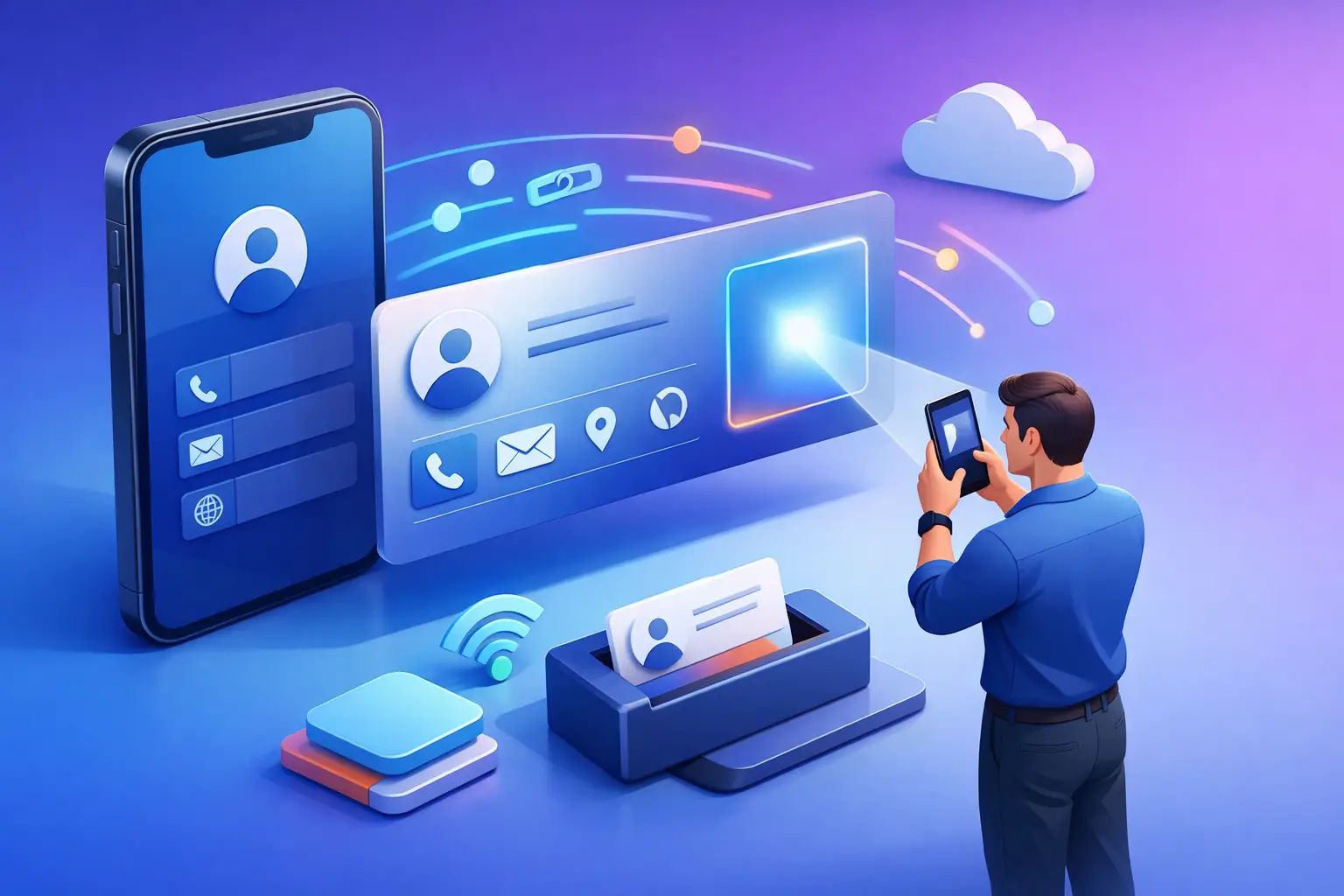
A digital business card QR code connects a physical touchpoint to a digital profile. Instead of squeezing limited information onto a small card, you send people to a mobile-friendly page that can hold the details that matter most. That might include your headshot, job title, brand colors, company description, contact buttons, calendar link, portfolio, or social profiles.
The value is not just convenience. A printed card is static. Once it is out in the world, any change to your phone number, title, landing page, or company branding makes that card outdated. A digital business card setup can stay current if you are using an editable destination. That is a practical difference for sales reps, consultants, recruiters, real estate agents, and founders who update information often.
There is also a cleaner user experience. People scan, tap, and save. No decoding bad handwriting. No typing long email addresses. No lost context after a quick conversation at a conference booth.
Why more businesses are switching from print-only cards
Paper cards still have a place. They are simple, familiar, and useful in low-tech environments. But on their own, they leave too much work to the recipient. A standard card asks someone to hold onto it, read it later, and manually take action. Most do not.
A QR-based card reduces that drop-off. If someone can scan and instantly call, email, save your contact, or open your website, the path from introduction to action gets shorter. That is especially useful at trade shows, retail counters, networking events, open houses, and front desks where attention is limited.
There is a branding advantage too. A digital profile can carry more visual consistency than a plain paper card. You can use your logo, color palette, profile image, and action buttons in a way that feels current and useful rather than decorative.
Still, it depends on the situation. If your audience is less comfortable scanning codes, or you meet contacts in settings with weak mobile reception, print-first can still work better. In many cases, the best move is not replacing paper cards entirely but improving them with a QR code that adds a digital layer.
What to include on your digital business card page
More space does not mean you should add everything. The best digital business card pages are focused. They help the person who just met you take one or two obvious next steps.
Start with the basics: your name, title, company, and primary contact details. Then add only the elements that support your goal. If you want leads, include a short intro and a booking link. If you are a creative professional, a portfolio link makes sense. If you work in local services, a tap-to-call button may matter more than social media.
Photos can help if they make recognition easier, especially after networking events where people meet dozens of faces. Brand visuals also help your card feel legitimate and polished, but they should not slow down the page or distract from contact actions.
A common mistake is trying to turn a business card into a full website. That usually hurts performance. Keep it short, clear, and built for mobile.
Static vs dynamic digital business card QR code options
This is where the setup matters.
A static QR code points to fixed information. It is useful when your destination will not change, or when you need a quick, free option and you are confident the details are final. For a simple contact page or personal profile that stays stable, static can be enough.
A dynamic QR code gives you more flexibility. You can update the destination content later without replacing the printed code itself. That is valuable if you plan to reuse cards, signage, table tents, presentation slides, or event materials over time. It also helps if you want scan data to understand engagement.
For many professionals, dynamic is the better long-term choice because business information changes. Job titles change. Campaign pages change. Offers change. Even your preferred call to action can change depending on the event or season.
That does not mean dynamic is always necessary. If you need something fast for a one-time use case, static may be the more efficient choice. The right answer depends on how often your information changes and whether tracking matters to you.
How to make the QR code easy to scan
A digital business card qr code only works if people can scan it quickly. Design choices matter more than many users expect.
Start with contrast. Dark code, light background, and enough quiet space around the edges make scanning easier. You can customize colors and branding, but readability comes first. If your code looks great and scans poorly, it is not doing its job.
Size also matters. On printed cards, a code that is too small becomes frustrating. On signs or event displays, viewing distance changes the size requirement. Test the code in the actual format before you distribute it. Scan it from different phones, in average lighting, and without perfect positioning.
The landing page matters just as much as the code itself. If the scan opens a cluttered page, a non-mobile layout, or a destination that loads slowly, people drop off. The code is only the entry point. The page has to finish the job.
Where a digital business card QR code works best
The obvious place is on a printed business card, but that is only one use case. Many professionals now use the same code across booth displays, flyers, presentation decks, email signatures, packaging inserts, brochures, badges, and office signage.
That consistency helps because people encounter your brand in different contexts. Someone may not scan your card during a conversation, but they might scan your badge while waiting in line or scan a tabletop display at your booth after you step away.
For teams, a digital card setup also keeps sharing more organized. Instead of creating separate one-off assets for every event, you can use a reusable profile and deploy it wherever contact capture matters. That is practical for sales teams, field reps, consultants, hospitality staff, and service businesses that rely on fast introductions.
Common mistakes to avoid
The first mistake is treating the QR code as decoration. It needs a clear purpose. Tell people what they get when they scan it, whether that is contact info, a booking page, a company profile, or a direct call option.
The second is overloading the page. Too many buttons create hesitation. Most users should be able to understand the page in seconds.
The third is skipping updates. If your digital business card points to outdated details, the convenience disappears fast. That is one reason editable QR destinations are so useful.
The last mistake is not testing in print. A code that scans perfectly on your laptop screen may behave differently when printed on textured stock, resized, or placed over a branded background.
Choosing the right setup for your workflow
If you are an individual professional, a simple profile with your core contact details and one strong action may be enough. If you are part of a team, you may need a more standardized setup that keeps branding consistent across multiple users. If you attend frequent events, editable content and scan visibility become more valuable.
This is where a platform like QRDrobe fits naturally. The practical benefit is speed. You can create a business-ready QR experience without getting stuck in a long setup process, and you can match the code and page to how you actually plan to use them across print and digital materials.
A digital business card works best when it removes steps, not when it adds them. Make the scan obvious. Make the destination useful. Make updates easy enough that your information stays current.
If someone is ready to connect, your job is not to impress them with complexity. Your job is to make the next tap effortless.
Need a richer landing page? Try our dynamic Professional Profile template for a fully interactive QR experience.