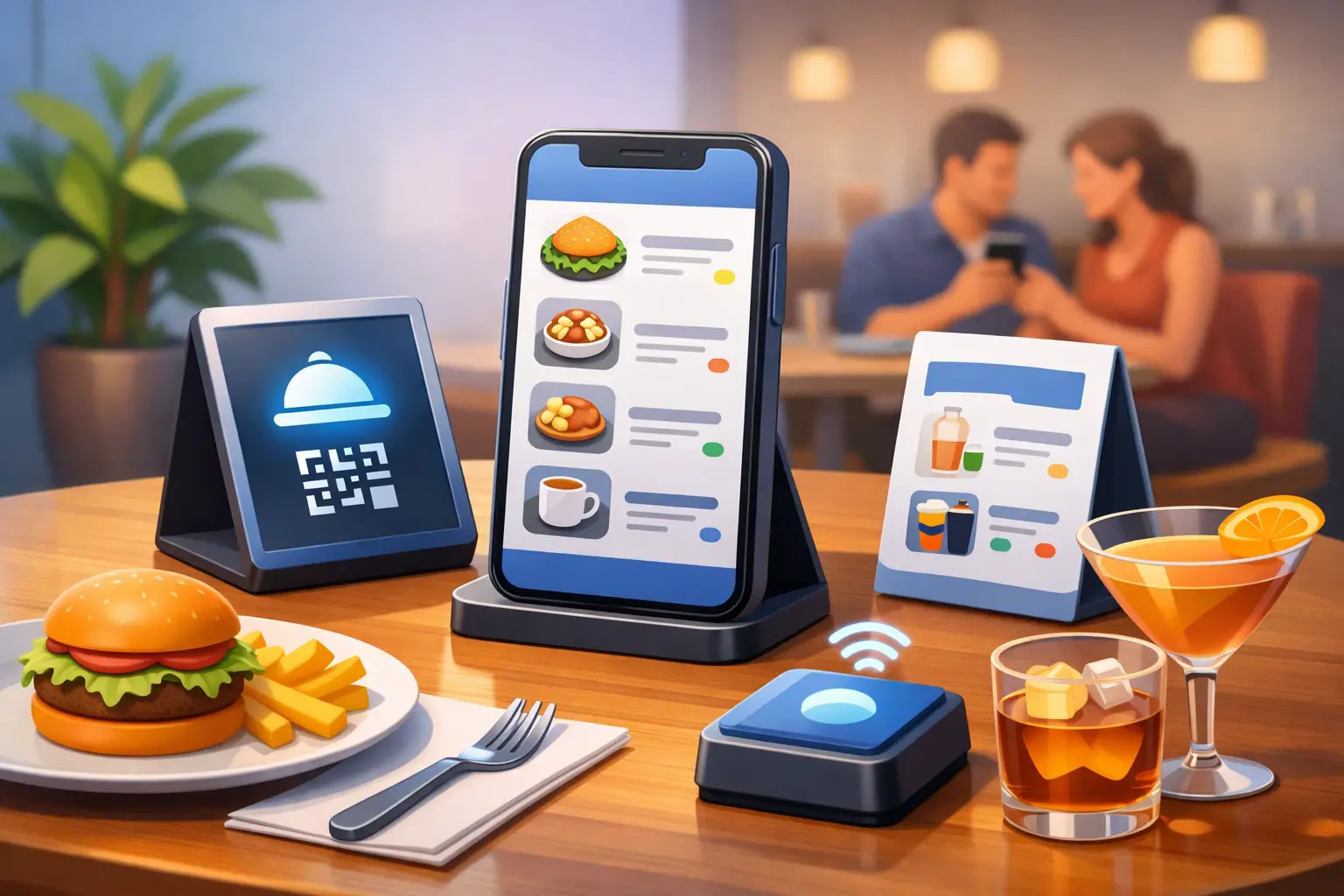
How to Make QR Menu That Customers Use
A QR menu fails fast when the code scans but the page is slow, cluttered, or hard to read at a table. If you want to learn how to make qr menu pages that people actually use, the job is bigger than generating a code. You need a mobile-friendly menu, a clear layout, and a setup that is easy to update when prices, specials, or availability change.
For restaurants, cafes, bars, food trucks, and pop-ups, that matters because a menu is not just information. It affects ordering speed, staff workload, customer confidence, and even how long people stay stuck deciding. A good QR menu should feel simple the moment someone scans it.
What a good QR menu needs
The best QR menus do three things well. They open quickly, they read cleanly on a phone, and they answer common customer questions without forcing anyone to pinch, zoom, or hunt for details.
That means your menu page should use clear section headings, readable item names, short descriptions, and obvious pricing. If you serve different audiences throughout the day, separate breakfast, lunch, dinner, drinks, and specials so people can find what they want in seconds. If modifiers matter, such as milk options, spice levels, or add-ons, include them in a way that does not overwhelm the screen.
Photos can help, but only when they support the choice. Too many large images slow down loading and make scanning feel pointless. In most cases, a text-first menu with a few well-placed visuals works better than a gallery-style page.
How to make QR menu pages step by step
Start with the destination before the code. A QR code is only a shortcut to content, so the menu page itself needs to be ready first. You can use a hosted menu page, a simple landing page, a PDF, or a website page, but each option has trade-offs.
A PDF is fast to publish if you already have a printed menu file. The problem is usability. PDFs often force zooming, scroll awkwardly on phones, and make updates less convenient. A mobile web page is usually the better choice because it loads more naturally on phones and is easier to structure by section.
Once your menu content is ready, create the QR code that points to that page. If you expect your menu URL to stay fixed forever, a static code can work. If you want the flexibility to update the destination later without reprinting signs or table tents, a dynamic code is the smarter option. That matters more than many businesses realize. Menus change often. Seasonal items end. Prices shift. Limited items sell out.
After you generate the code, customize it carefully. Brand colors, frames, and logo elements can make it feel more polished, but readability comes first. If styling makes the code harder to scan under dim restaurant lighting or from a wrinkled table card, it is not an upgrade.
Then test it in real conditions. Scan it from different phone models, from different angles, and in both bright and low light. Test it on printed material, not just on your screen. A code that works perfectly on a desktop preview can fail once it is shrunk onto a small sign or placed behind glare-heavy plastic.
Static or dynamic: which QR menu setup makes more sense?
If your menu rarely changes, a static QR code may be enough. It is straightforward and useful for simple, stable menus. But many hospitality businesses underestimate how often they need edits. One out-of-stock dessert, one happy hour update, or one pricing change is enough to create friction if the code points to a fixed file that now needs replacing everywhere.
A dynamic QR menu setup gives you more control. You can change the destination content without changing the printed code itself, which is especially useful if you have codes on tables, windows, packaging, receipts, or promotional materials already in circulation. For operators who want better visibility, dynamic options can also help track scan activity and show whether customers are actually using the menu where you placed it.
That does not mean dynamic is always required. It depends on how often your menu changes, how many locations or print placements you manage, and whether scan data would help operational decisions.
Make the menu page easy to read on a phone
This is where many QR menus lose people. A customer scans with one hand while sitting in imperfect lighting, often mid-conversation, and wants an answer fast. Your page should respect that moment.
Use short section labels and keep the most important categories near the top. If your menu is long, add jump links or a simple section index. Avoid giant intro text, pop-ups, autoplay media, or anything that delays the actual menu.
Descriptions should help with decision-making, not turn every item into a paragraph. Include ingredients or standout details where they matter, especially for signature dishes, dietary concerns, or premium items. If allergen information is important, make it easy to spot. The same goes for vegetarian, vegan, gluten-conscious, or spicy labels.
Price clarity matters just as much as design. Hidden prices, inconsistent formatting, or vague market-price labeling can slow ordering and create unnecessary questions for staff. A QR menu should reduce friction, not push it back onto your team.
Where to place your QR menu code
Placement affects scan rates more than design tweaks. Table tents are the obvious choice, but they are not the only one. Window decals, counter displays, wall signage near the register, takeout packaging, and receipts can all support different customer moments.
The key is context. At the table, the code should be easy to notice without blocking the dining experience. At a fast-casual counter, it should help people preview options before ordering. On takeout packaging, it can bring customers back for repeat orders or let them browse the current menu later.
Size also matters. If the code is too small, scanning becomes annoying. If it is placed under reflective plastic, on a curved surface, or in a dark corner, performance drops. Leave enough white space around the code and add a short instruction like Scan to view menu so people know what to expect.
Common mistakes when making a QR menu
The biggest mistake is treating the QR code as the product instead of the menu experience. A code can scan perfectly and still fail if the destination page is confusing.
Another common issue is uploading a print-designed menu that was never meant for mobile screens. What works on an 11 by 17 menu board usually does not work on a phone. The layout has to be rebuilt for small screens.
Some businesses also overdesign the code. Heavy color changes, low contrast, crowded logo placement, and decorative patterns can hurt scannability. Branded does not have to mean complicated.
There is also the maintenance problem. A QR menu only stays useful if someone owns it. If your menu changes weekly but nobody updates the page promptly, customers stop trusting it. If you offer specials, seasonal drinks, or rotating inventory, choose a setup that makes edits fast enough to keep pace.
How to make qr menu workflows easier for your team
The simplest system usually wins. Build a menu structure that your staff can update without needing a designer every time something changes. Keep naming conventions consistent, section order logical, and formatting repeatable.
If you operate multiple locations, think about whether each store needs its own menu page. Sometimes one master menu works. Sometimes local pricing, availability, or promotions justify separate destinations. It depends on how standardized your operation is.
A platform like QRDrobe fits well when speed and flexibility matter. If you want to create a menu code quickly, customize it for print use, and keep the destination editable later, that setup reduces rework. For growing businesses, that matters because the first version of a menu is rarely the last one.
The best QR menu is the one people stop noticing
That may sound strange, but it is true. The goal is not to impress customers with the code itself. The goal is to remove friction between scan and decision.
When the page loads fast, the sections are clear, and the information is current, people move smoothly from browsing to ordering. That helps customers, and it helps your team. If you are building your first one, keep it simple, test it in real conditions, and make every choice serve speed and clarity first.
Need a richer landing page? Try our dynamic Catalog / Menu template for a fully interactive QR experience.