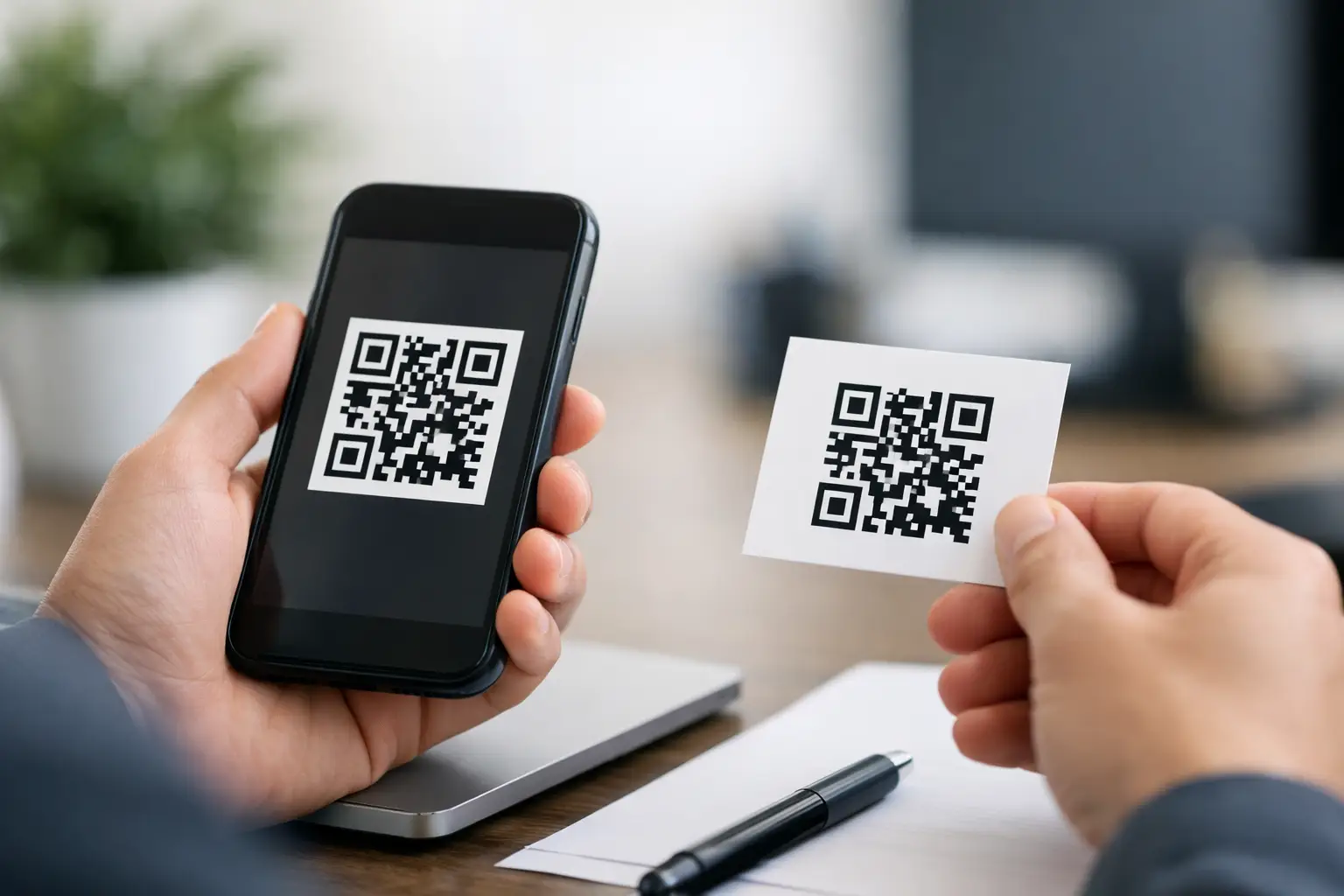
How to Generate a Static QR Code
Input
A static QR code works best when the destination will not change. That is the first filter to use before you generate anything. If you are figuring out how to generate a static QR code for a Wi-Fi login, a phone number, a plain text message, or a permanent web page, static is usually the right choice because it is simple, fast, and dependable.
If the page, file, or contact details might change later, static can become a problem. Once created, the encoded content is fixed. You cannot edit the destination behind the code after it is published. For plenty of real-world uses, that is perfectly fine. For a restaurant menu that changes every week or a campaign page that needs scan tracking, it probably is not.
How to generate a static QR code the right way
The fastest way to create a useful static QR code is to start with the final action you want someone to take. Not the design. Not the placement. The action. Do you want someone to join your Wi-Fi, call your team, open a website, send an email, or save contact details? The content type determines how smooth the scan experience will be.
A good generator will ask you to choose the format first. That matters because a raw URL and a contact card behave very differently after a scan. If you pick the correct type at the start, the code becomes more useful with less effort from the person scanning it.
Pick the content type before anything else
Static QR codes can hold different kinds of information. A website link is common, but not always the best option. If your goal is to help someone call you, use a phone action instead of sending them to a contact page with an extra step. If your goal is to share Wi-Fi access, use a Wi-Fi format so the phone can recognize the network details directly.
Typical static uses include website URLs, phone numbers, SMS prompts, email drafts, map locations, plain text, and contact sharing. Each one has a different level of convenience for the end user. The most effective code is usually the one that removes the most taps after the scan.
Enter the final destination carefully
This step sounds obvious, but it is where many bad QR codes are made. A static code preserves exactly what you enter. If there is a typo in the URL, the wrong email address, or a phone number missing a digit, the mistake gets printed into the code itself.
Before generating the code, test the destination on its own. Open the page on mobile. Make sure it loads quickly. Check that the phone number works. Confirm the map pin lands in the right place. Static codes are not forgiving, so accuracy here saves reprints later.
Generate and test before you download
Once the content is entered, generate the QR code and scan it immediately with at least two devices if possible. One quick test is not enough if the code will go on packaging, signage, business cards, or event materials.
Look for practical issues, not just whether it technically scans. Does the page make sense on mobile? Does the email prompt prefill correctly? Does the Wi-Fi setup look clean and trustworthy? A QR code can be valid and still create a poor user experience.
Customize without hurting scan performance
A static QR code does not need to look generic. You can usually change color, add a frame, adjust the pattern style, or include a logo. That flexibility is useful for brands, events, and customer-facing materials where appearance matters.
Still, customization has limits. The more decorative you get, the more likely you are to reduce scan reliability. High contrast matters. A dark code on a light background is still the safest option. Reversing that setup or using low-contrast brand colors can look polished on screen and fail in real lighting conditions.
Keep contrast high and spacing clean
The blank margin around the QR code, often called the quiet zone, is not optional. Cropping too tightly or placing the code over a busy background can make scanning inconsistent. If the code will appear on posters, labels, menus, or table tents, keep the surrounding area clean.
Logo placement also needs restraint. A small centered logo can work if the generator supports it well, but an oversized logo can interfere with readability. If the code is for high-stakes use, like an emergency contact page or a printed payment prompt, it is usually smarter to prioritize clarity over visual flair.
Choose the right file format for where it will live
If the code is going on a website, email footer, social graphic, or slide deck, a PNG is often enough. If it is heading to print, especially at larger sizes or across multiple formats, a vector file such as SVG gives you more flexibility because it scales cleanly.
This is one of those details people skip until production starts. Then the code looks soft, stretched, or awkwardly resized. Generate the right file format early and you avoid that cleanup work later.
When static QR codes make sense
Static QR codes are best for information that stays put. Think evergreen pages, direct contact actions, fixed map locations, Wi-Fi credentials in a lobby or office, or a personal profile page that will not change. They are also useful when you want a quick, no-sign-up workflow and do not need post-launch editing.
For many users, that simplicity is the whole point. You can create the code, download it, and place it where you need it without adding account setup or ongoing management.
A static code can be especially practical for small businesses and solo professionals. A printed business card linking to a permanent portfolio, a counter sign with guest Wi-Fi details, or an event badge with fixed contact information are straightforward examples where static does the job well.
When static is the wrong choice
Knowing how to generate a static QR code is useful. Knowing when not to use one is even more useful.
If the destination may change, static creates friction later. Maybe you are promoting a seasonal offer, rotating a flyer across different campaigns, or linking to a menu that gets updated often. In those cases, a dynamic QR code is usually the better fit because it lets you update the destination without replacing the printed code.
The same goes for measurement. If scan tracking matters, static will feel limited. Marketers, retail teams, and event organizers often need to know which placement drove engagement. Static codes are built for fixed content, not ongoing optimization.
That trade-off is simple. Static gives speed and permanence. Dynamic gives flexibility and visibility. The right choice depends on what happens after launch.
Common mistakes when learning how to generate a static QR code
The most common mistake is using static for content that is not actually permanent. The second is linking to a poor mobile experience. A QR code is often scanned in a hurry, standing up, in uneven light, on a phone with average service. If the destination is slow, cluttered, or hard to use, the code may work but the conversion will not.
Another frequent issue is printing too small. A code on product packaging or a flyer corner still needs enough physical size to scan comfortably. There is no single perfect dimension for every use case because viewing distance changes things, but tiny codes usually create unnecessary risk.
Then there is placement. A technically correct QR code can fail if it is stuck on a curved surface, printed with glare, placed too high, or surrounded by visual noise. Think about the real scanning environment before you finalize the artwork.
A practical workflow that saves time
If you want the shortest path from idea to usable code, keep the process tight. Start with the action, choose the correct static format, verify the destination, generate the code, test it on mobile, customize lightly, then export the right file type for print or digital use.
That order matters. People often start with styling because it feels easy. Function should come first. A plain code that scans instantly beats a beautiful one that fails under normal conditions.
Platforms like QRDrobe are useful here because they reduce friction. You can create a static QR code quickly, choose from common content types, customize the design, and export it in formats that work for both digital assets and printed materials. That kind of speed is valuable when you are building customer-facing materials on a deadline.
What to check before you publish
Before the code goes live, do one final pass. Scan it with an iPhone and an Android device if you can. Test it in bright light and average indoor light. Print a sample if the final use is physical. Make sure the code has enough contrast, enough space around it, and enough size for the expected viewing distance.
Also ask whether the destination still deserves a static code. If there is even a moderate chance the URL, offer, or information will change in the next few months, it is worth reconsidering the format now instead of reprinting later.
The best QR code is not the most complex one. It is the one that gets scanned, completes the action fast, and does not create extra work for you after it is out in the world.