Before you design a single flyer, nail down a specific, transparent goal for your dog surgery fundraiser. Vets can give you a detailed estimate—break it into line items like pre-op bloodwork, anesthesia, the procedure itself, and post-op meds. People open their wallets when they see exactly where their $20 goes. Pair that with a short, real story: skip the generic pleas and share one vivid detail, like how your dog whines when you touch her swollen leg or how the rescue pup finally wagged its tail at the foster who noticed the limp. This story becomes the backbone of your QRDrobe page. When you fill out the Heading field, make it the surgery date or a call to action like “Max Needs ACL Surgery by June 15.” The Subheading can be the dollar goal, plain and simple—$2,450 for surgery and recovery—so nobody has to guess.
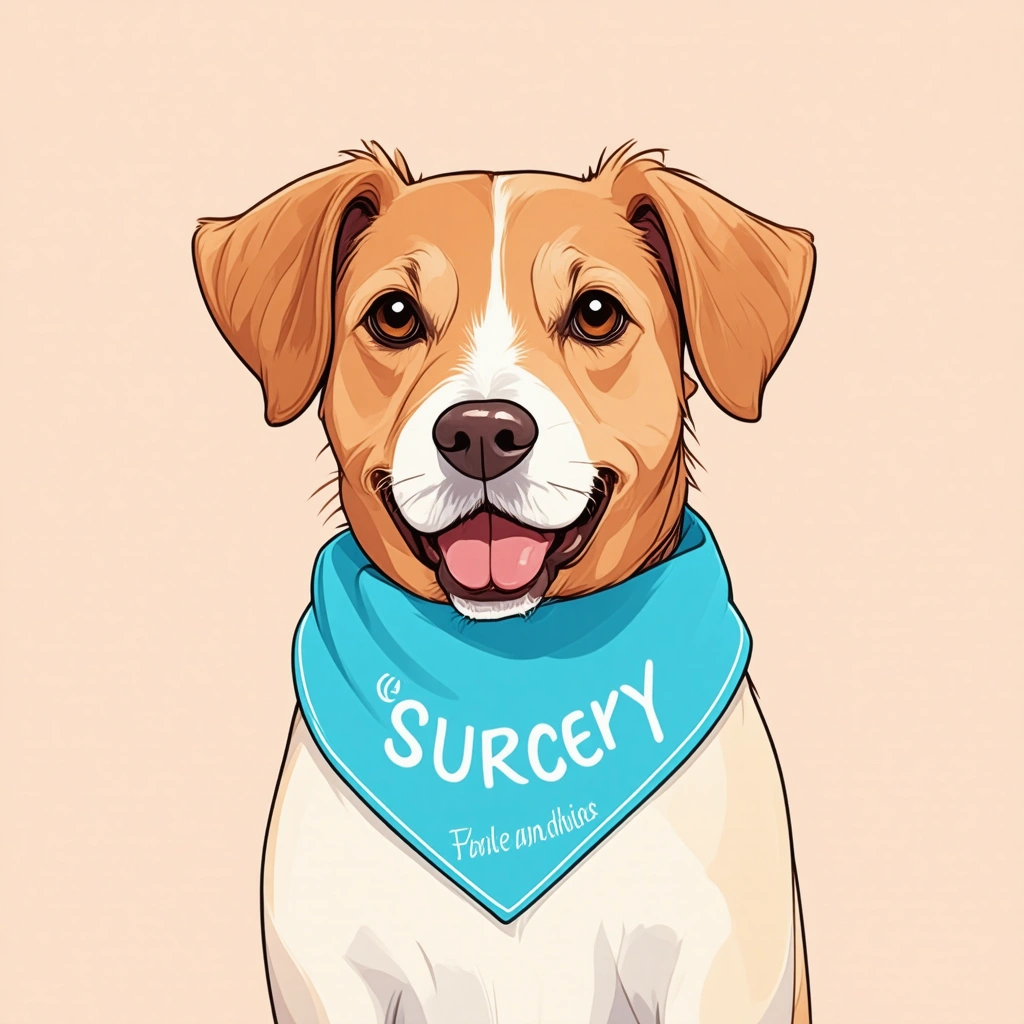
Now turn that story into a dynamic landing page that evolves. Upload a Cover Image that shows your dog’s face clearly, ideally with the bandana that will house the QR code, so people instantly connect the printed code to the real animal. In the Description field, don’t just summarize—show progress. Update it every few days: “Meds on board, swelling down 20%—we’re at $1,200 raised, need $1,250 more.” This turns a static ask into a living update, so returning visitors see momentum. Because the QR code is dynamic, you can edit this description anytime without reprinting anything. That means the bandana on your dog’s collar keeps working from the first vet consultation through post-op rehab, and every scan tracks how many people engage.
Your Action Buttons are where the money actually moves. You’ll create tappable links labeled clearly: “Donate to Surgery,” “Share This Page,” “Volunteer for Post-Op Care.” The first button goes directly to your chosen donation platform—GoFundMe, Givebutter, or a PayPal link are solid, low-fee options that handle credit cards and let donors leave messages. Avoid anything that forces people to create an account. Test the flow yourself: scan the QR, tap the donate button, and time how fast you can complete a gift. If it takes more than thirty seconds, your platform is costing you donations. For the volunteer button, link to a simple Google Form or a Calendly where locals can sign up for meal trains, short walks during recovery, or fostering after surgery. This makes the fundraiser a community effort, not just a cash grab.
The real magic happens off-screen. Print that dynamic QR code onto a bandana, a yard sign, or flyers at dog parks and vet offices. Hand them out at adoption events—when someone asks about your dog, you say, “Scan her bandana—there’s the whole story and a way to chip in.” Because the page tracks scans, you’ll see which flyer locations or in-person moments work best. Don’t hide the share button: put it prominently as an Action Button labeled “Spread the Word,” linking to a pre-written social post with the QR image. Turn your donors into helpers by sending a quick thank-you message that includes a photo of the updated description showing progress, and ask them to forward it. People who’ve given $10 will often share a concrete update with their own friends, creating a ripple you can’t buy with ads.
A common mistake: waiting until the surgery is over to post updates. Instead, post the mundane—the pre-op jitters, the silly cone-of-shame photo—because those small moments keep your dog top of mind. When you use the same QRDrobe page as the central hub for everything, someone scanning a flyer three weeks later still sees the latest Description update, not a dead link. This makes a dog surgery fundraiser feel less like a transaction and more like a story they joined. As the goal creeps up, celebrate milestones in the subheading: “83% funded—her surgery is tomorrow.” That urgency pulls in fence-sitters. And when you hit the goal, use that same page to share the vet bill total and a recovery photo, closing the loop and building trust for any future emergency—because in animal rescue, there’s always another one who needs help.