If your pet has their own Instagram, TikTok, YouTube, or even a fledgling doggie blog, you already know the headache of juggling a handful of scattered links. Every bio gets cluttered, every meetup turns into a game of “let me type this in,” and half the time you’re fumbling to spell a quirky username aloud. A pet influencer social media links page is exactly what it sounds like: a single, clean landing page that pulls everything together—every platform, every account, every place your pet’s personality shines—into one shareable destination. For anyone serious about a pet brand (yes, Buster has a brand now), it’s the tidy “link in bio” that actually works beyond one app, turning a chaotic list into a polished hub you can point people to in a heartbeat.
With QRDrobe’s Social Media Links template, you’re not just slapping URLs on a tired profile link. You’re building a petite, customizable page that feels like your pet’s digital home base. Pop in a warm, close-up Cover Image—think that shot of your dog mid-zoom or your cat’s signature side-eye—along with a required Name that matches your pet’s handle, then a tight Subheading that tells visitors what to expect (maybe “Daily hikes & squeaky-throw reviews”). The real star is the Social Media Links section, where you paste in each full URL. In seconds, you’ve got a tidy mobile-friendly page that loads fast and looks like it was made just for them.
The magic, though, is that this page lives behind a dynamic QR code. Unlike a static code that’s forever married to one web address, a dynamic QR lets you swap, add, or remove links later without scrapping the printed sticker you’ve already stuck everywhere. Just opened a brand-new Parrot Cosmo TikTok? Log into your QRDrobe account, update the links, and that same QR on your bird’s perch tag instantly reflects the change. Because the code itself never expires, you’re not reordering merch every time you pivot platforms—and you can see exactly how many scans it’s getting. It’s a trackable breadcrumb trail that tells you which coffee-bag freebies or vet-office bulletin boards are actually turning heads.
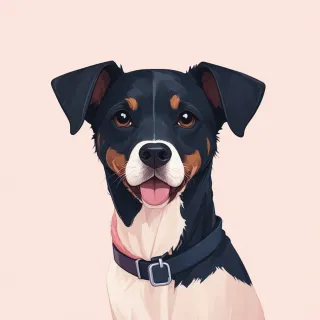
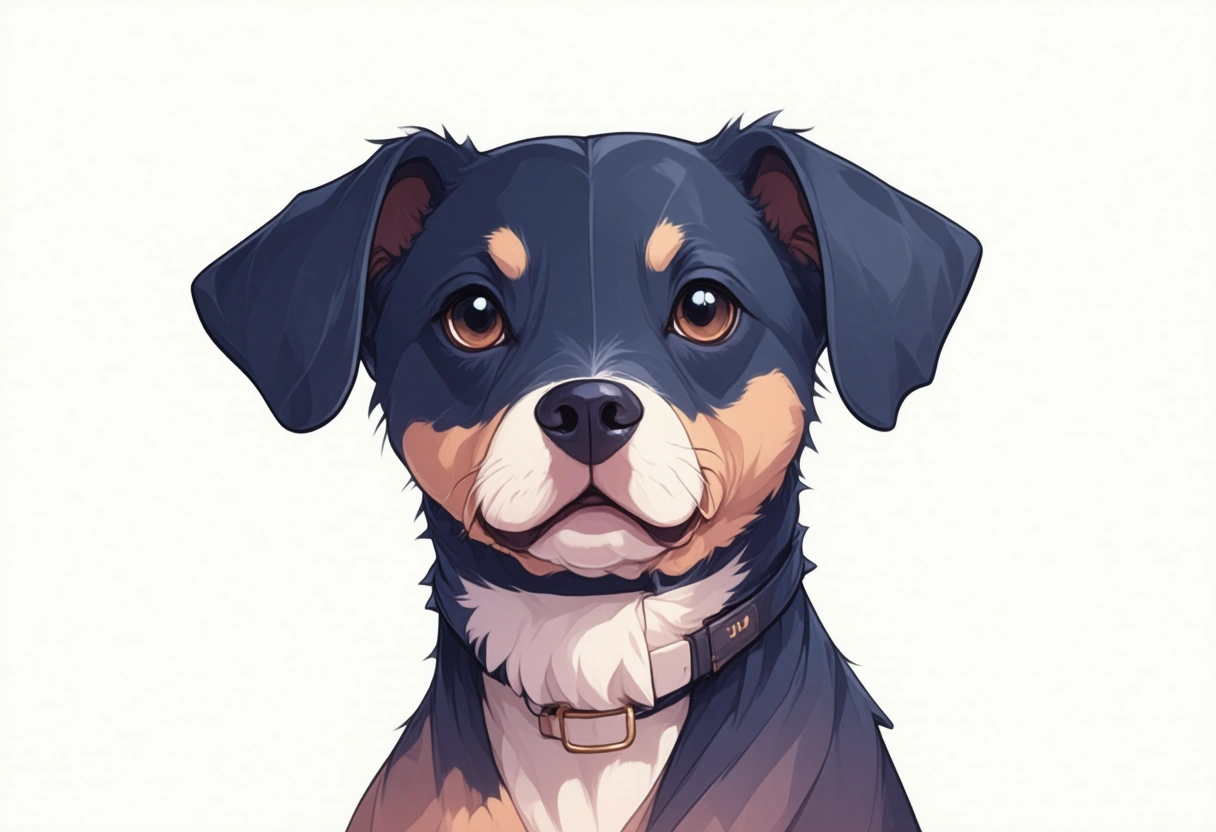
When you’re ready to share it, the physical placement matters. Print the QR code on a lightweight collar tag for your dog, a charm for your cat’s harness, or a simple sticker that rides along on treat-bag packaging if you’re giving out samples at a pet expo. Fill the Name field with the one handle people recognize most (even if you’re @FinnTheDoodle on everything, consistency helps). The Subheading is a chance to set the tone—”sunshine & fetch recaps” is clearer than “life is ruff.” And don’t overload the links; pick the ones you’re active on, and remember you can always layer them in later as your pet’s social footprint grows. A Cover Image that instantly reads as your animal—a clear, bright face shot—ensures people remember the page long after they scan.
A few common slip-ups are easy to dodge. First, treat the QR code like a real sign: print it large enough for phones to focus (roughly the size of a lapel pin at minimum) and always scan it yourself from a few inches away before you commit to 500 stickers. Second, don’t let the page go stale. You started a FerretToken channel? Add it. Swapped a broken link? Fix it right away—that’s the whole point of dynamic. Finally, glance at your scan count now and then. If the numbers spike from a beachside dog meetup, you know that crowd wants behind-the-scenes content. By giving your pet’s audience one seam-less scan—from a bag of homemade treats or a tag jingling at the dog park—you make following every adventure feel natural and permanent, without ever reprinting a thing.