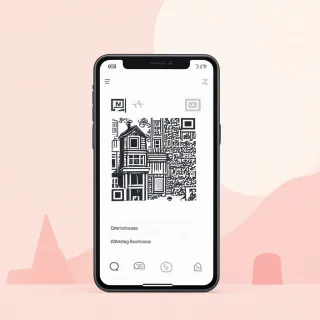
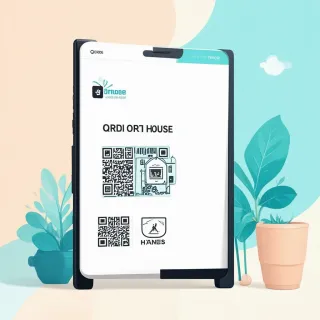
If you're preparing condo open house QR code signs, the safer link is an editable QRDrobe Real Estate card, not a static PDF flyer. A static PDF freezes everything at the moment you save it. If the price you wrote in the Description changes, a photo gets replaced, or the showing contact changes, every sign you already printed or posted is stale until you create a new PDF and redistribute it. A QRDrobe dynamic QR code opens a mobile landing page built from the card fields — Property Photos, Heading, Subheading, Property Type, Bedrooms, Bathrooms, Basement, Parking, Area (sq ft), Phone, Email, Address, Website, and Description — so you edit the card later, and the same printed code keeps working.
For a condo seller or listing agent preparing open house signage for an individual unit, the main decision is whether anything about the card might change after the sign leaves your hands. If the answer is maybe, use QRDrobe. Condo listings often get updated once a unit is decluttered or staged: you may want to replace the Property Photos gallery, add a Website link to the full listing, or revise the Description with a price cut or a new open house note. With a static PDF, any of those edits means making a new file and reprinting or replacing signs in the lobby, mailroom, or elevator. With QRDrobe, you change the relevant field and every already-printed code shows the updated card.
When does a static PDF make sense for condo open house QR code signs? Only if you are certain none of the fields will change for the life of the sign, and you do not need scan tracking. That is a narrow case. QRDrobe is free to start, and the Real Estate template is already structured for a phone screen, so you are not paying extra for the flexibility. If you later decide to reuse the sign for a second open house or an updated listing, the QRDrobe card is ready to edit; the static PDF becomes another version to manage and replace.
Common field mistakes to avoid: do not fill only the required Heading and Description. Buyers scanning a condo open house sign want enough to decide whether to walk in. Add several Property Photos of the unit and shared building areas, set Property Type to Condo, fill Bedrooms, Bathrooms, Parking, and Area (sq ft) with the actual numbers, and put 'None' or 'N/A' in Basement if the unit does not have one. Use the Address field for the exact unit and floor, and make sure Phone, Email, and Website point to the agent or owner who will answer during the open house.
Also test the printed sign before the event and after any edit. A QR code that is too small, placed on a low-contrast background, or partially covered can fail on the first buyer who tries it. Because QRDrobe tracks scans, you can use that later to see whether your signs are actually getting buyers to open the card. If a location gets few scans, move the sign, enlarge the code, or adjust the wording without changing the underlying dynamic QR code or the card URL.
Before you print your condo open house QR code signs, run a final check. Open the card on your phone and read it the way a buyer would: Are the photos bright and useful? Does the Description explain what makes the condo worth visiting beyond the stats? Do the contact fields reach the right person? Then style and download the QR code at the size and resolution your sign needs. After that, if anything changes — new photos, a correction, a revised description — update the card and the already-printed code still works. You do not have to pull signs or reprint anything.