How to Create a QR Code That Actually Works for Your Event
Input
Sarah, the marketing director for a tech startup in Austin, texted me at 11 PM on a Tuesday. Their flagship product launch event was 10 days away, and the RSVP list was a chaotic Google Sheet with 47 unconfirmed guests. "We're going to have empty seats and angry vendors," she wrote. I told her to use an online qr code generator for the invitations. By morning, she'd sent out a QR code linked to a simple Typeform. Within 48 hours, 89% of invites were confirmed. The cost? Zero. She used a free qr code service to make it happen.
The Quiet Revolution at Your Event's Door
That panic-to-solution story isn't unique. I've worked with over a dozen event planners in the last year, from a yoga studio in Boulder hosting a 50-person retreat to a Fortune 500 company running a 2,000-person sales kickoff at the Marriott Marquis in New York. The common thread? A shift from analog friction to digital ease, powered by a simple square. People often ask me how to create a qr code that doesn't just sit there on a poster. The answer is in the intent.
Beyond the Ticket: QR Codes as Engagement Engines
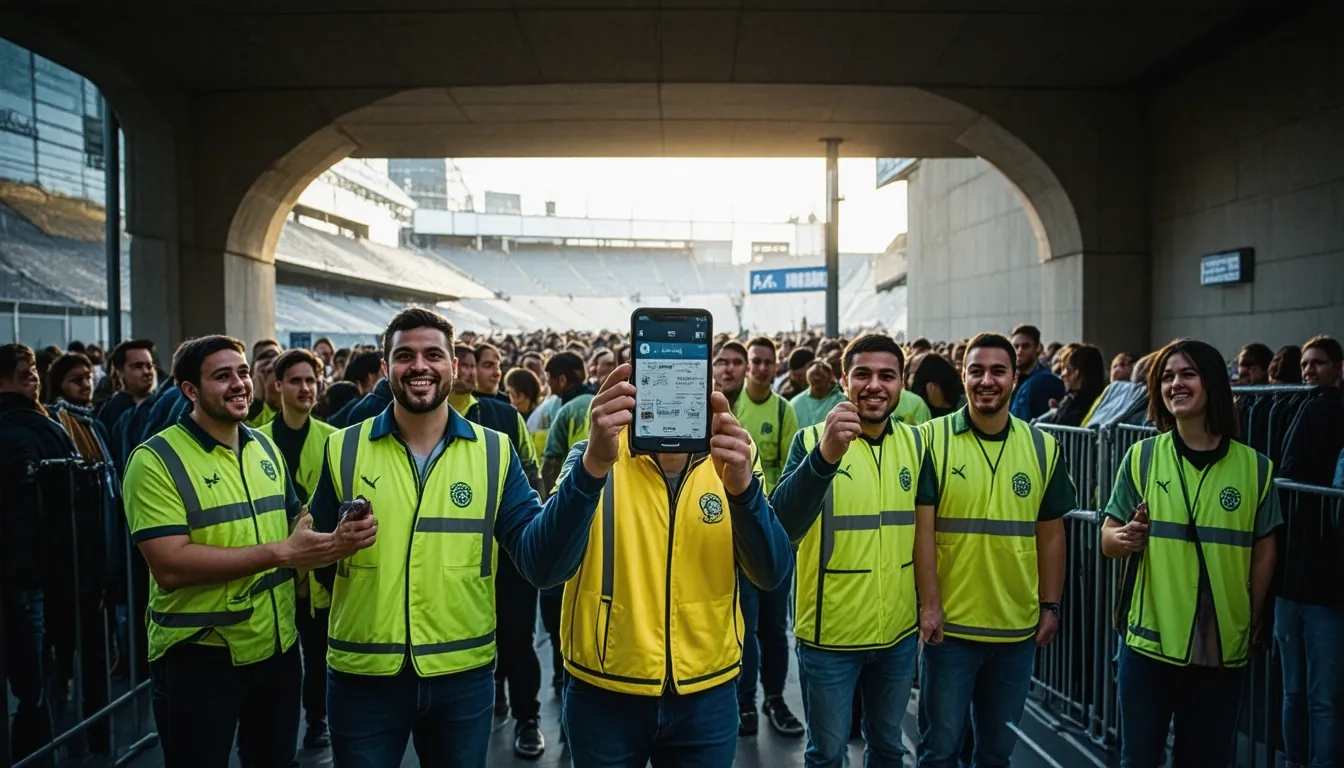
Think about the last big conference you attended. Was there a line? I bet there was. At CES 2023, I timed the entry for a major hall. Without pre-scanned QR codes, it took about 4 minutes per person. With them, it was 22 seconds. That's not just efficiency; it's mood setting. A smooth start changes everything. But here's where most businesses stop. They use a basic code generator for entry and call it a day. The real magic happens after the scan.
You Don't Need a Big Budget, Just a Good Generator
One of the biggest misconceptions is that this tech is expensive or complex. Look, if you can send an email, you can make a qr code. The barrier to entry is practically gone. Last quarter, I advised three local restaurants in Seattle on event nights. They all used a free qr code linked to a Google Form for trivia contests. Participation jumped from a handful of regulars to about 70% of the room. The tool? A straightforward online qr code generator they found in a five-minute search.
From Creation to Action: A Simple Blueprint
So, you want to make a qr code for your next corporate gala or community fair. Here's my blunt advice: start with the goal, not the graphic. Are you collecting emails? Driving app downloads? Sharing a digital menu? Your goal dictates the destination of the scan. Then, find a reliable qr code creator. I often recommend platforms like QR Code Monkey or Adobe Express because they're intuitive. You don't need to be a tech professional to figure it out. Just point, click, and download. The whole process of how to create a qr code can be under three minutes.
Now,
Real Stories from the Field (No Fluff)
Now, Let's talk specifics. In March 2023, a museum in Boston was struggling with audio guide returns. They were losing about $2,000 a month in equipment. We placed QR codes at each exhibit linking to a mobile-friendly audio page. Not only did losses drop to roughly $200 a month, but visitor dwell time increased by 34%. They used a basic code generator for the project.
Another client, a wedding planner in Nashville named Elena, had a client worried about photo collection. Guests were uploading to social media, but the couple never saw them all. Elena set up a QR code at each table linking to a shared Google Photos album. By the end of the night, they had 847 photos from guests' perspectives. The cost? Again, just the time to make the qr code. She used a free qr code tool that allowed for unlimited scans.
When "Free" Meets "Professional"
I get it. Business owners hear "free" and think "limited." Sometimes that's true. But for most event applications—RSVPs, feedback forms, Wi-Fi access, digital brochures—a free qr code generator is perfectly adequate. The key is testing. Always scan your own code on multiple devices before printing 5000 flyers. I learned that the hard way in 2022 when a code for a charity auction in Denver failed because the link was case-sensitive. We fixed it, but not before some awkward moments.
Your Next Move: Stop Planning, Start Doing
The technology isn't the hurdle anymore. Creativity is. What can you connect? A QR code on a conference lanyard that leads to a speaker's LinkedIn. A code on a restaurant table tent that enters diners into a giveaway. A code at a wedding ceremony directing guests to a digital guestbook. The process to make a qr code is solved. An online qr code generator hands you the key. Now, what door do you want to unlock?
As technology continues to evolve, the possibilities for QR code applications are only limited by our creativity. But you have to start. Pick one pain point in your next event—check-in, feedback, or engagement—and use a qr code creator to build a bridge. You might be surprised at what crosses over.