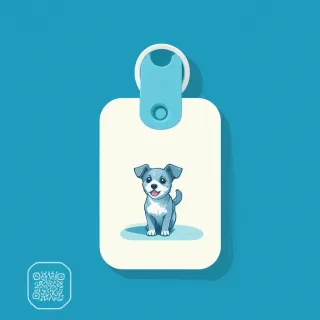
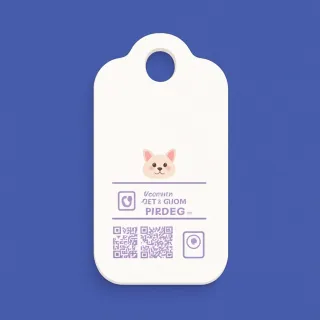
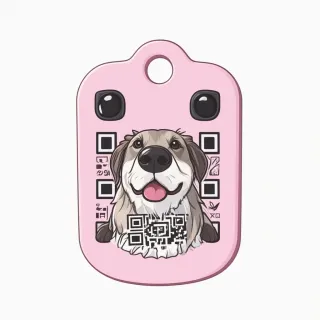
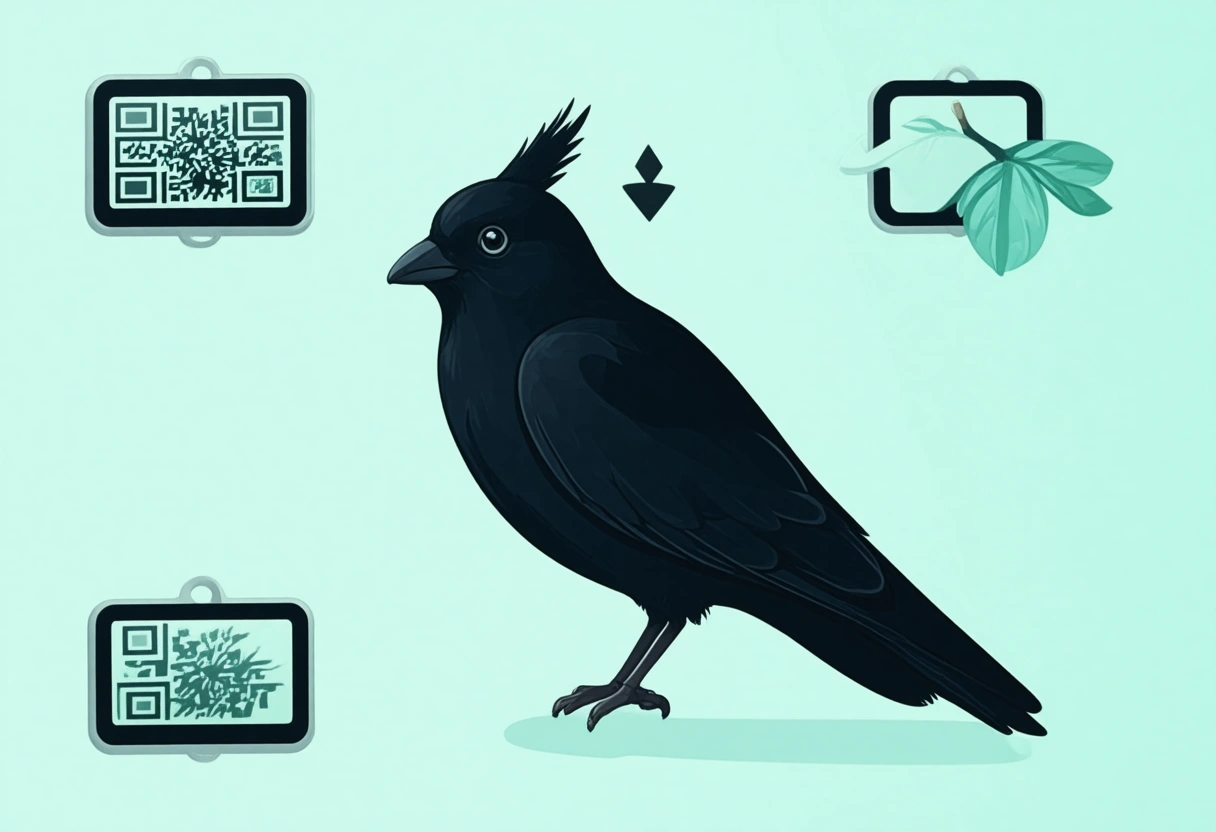
You've probably seen those classic pet ID tags—stamped metal or plastic with your pet's name and your phone number engraved forever. They work fine until you move, change your number, or adopt a new furry friend. Then you're stuck ordering a replacement, waiting for shipping, and hoping the old tag gets returned to you. A dynamic QR pet ID tag solves all of that by swapping the etched info for a scannable code that points to a living, editable mobile page. That's the core difference: a static QR code links to a fixed URL, so if you update the content, the old code breaks. But a dynamic QR code like the one built into the QRDrobe Pet ID Tag template redirects to a landing page you control, meaning you can change your pet's photo, add emergency contacts, or update medical notes anytime—without ever reprinting. The printed code stays the same, but the information it delivers stays current.
Here's how it works in practice. When you sign up in the app, you get access to the editable template with fields like Pet Name (required), Pet Photos (you can upload multiple images in the image gallery), Breed, Age, Color, Weight, Sex, and Microchip ID. You fill in what you know, and you can always come back later to add more. The Primary Phone field is required, but you can also include an Email, a Secondary / Emergency Phone, your Home Address, and even your Vet Clinic name and phone. The Medical Notes textarea is perfect for listing allergies, medications, or chronic conditions—think 'needs daily thyroid pill' or 'allergic to chicken.' The About / Temperament field lets you describe your dog's personality, so a good Samaritan knows she's friendly but shy, or that he's nervous around other dogs. Every field is optional except Pet Name and Primary Phone, so you can tailor the page to exactly what feels right for your pet.
The scan tracking feature is where this tag becomes genuinely smarter than a traditional one. Each time someone scans the QR code—whether from a found pet poster, a neighbor who spots your cat, or a vet's office—the app records that scan. You can see how many times the tag has been scanned, and when. This isn't just a vanity metric; it tells you if your pet's tag is actually being used. If you notice zero scans after a month, you might realize the tag is hidden under fur or placed too low on the collar. If you see a spike after your dog escapes, you know the system worked. This data helps you make better decisions about placement and visibility, and it gives you peace of mind that your contact info is being seen when it matters most.
Who benefits most from this approach? Pet owners who move frequently, renters who change phone numbers, or anyone with a pet that has evolving medical needs. Imagine your dog develops a new allergy six months after you ordered the tag. With a dynamic tag, you log into the app, update the Medical Notes field, and the next scan shows the new info. No new tag, no waiting. It's also ideal for multi-pet households—you can create separate tags for each animal, each with their own photos and details, all managed from one account. And if you ever need to remove a tag (say, after a pet passes), you can simply delete or deactivate the landing page without worrying about someone scanning a code that leads to outdated or painful information.
A common mistake is assuming you have to fill every field. Don't feel pressured to include your home address if you're not comfortable sharing it—just leave that field blank. The template is designed to work with whatever you choose to include. Another tip: upload a clear, recent photo of your pet for the Pet Photos gallery. A good photo helps a rescuer confirm identity faster than text alone. And remember, the Subheading field is your chance to add a short call-to-action like 'Please call or text if found' or 'I have a microchip.' Keep it simple and visible.
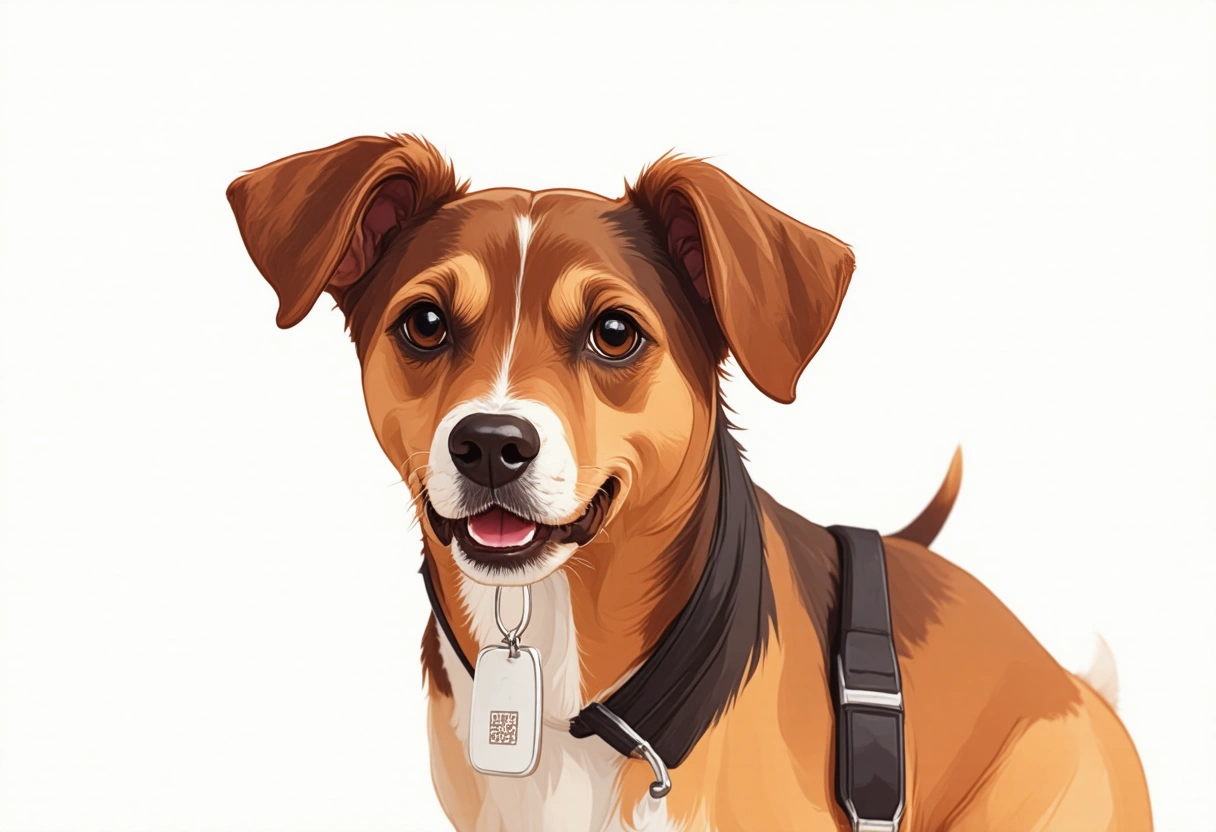
When you order your printed QR pet ID tag, make sure it's placed where it can be easily scanned—typically on a collar or harness, facing outward. Avoid covering the code with fur or other tags. And test it yourself: scan the code with your phone to confirm all the fields display correctly. Because the template is editable, you can fix typos or add missing info even after the tag is printed. That's the whole point: a pet ID tag that evolves with your pet's life, so you never have to start from scratch again.